
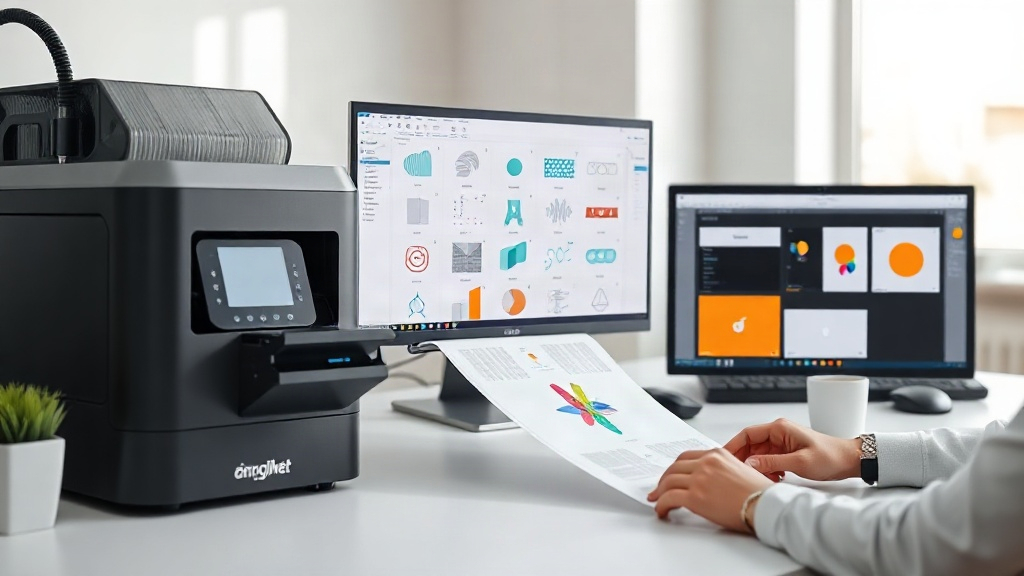
In the fast-paced world of custom apparel printing, efficiency and cost-effectiveness are key. If you're using DTF (Direct to Film) printing, you've likely heard about gang sheets. But what exactly is a gang sheet, and how can a DTF gangsheet builder transform your workflow? This guide will walk you through everything you need to know to optimize your DTF printing process.
What is DTF Printing?
Before diving into gang sheets, let's briefly cover DTF printing. Direct to Film is a digital printing technology where your design is printed onto a special film, coated with adhesive powder, and then heat-pressed onto fabric. It's versatile, works on various materials (cotton, polyester, blends), and produces vibrant, durable prints. DTF has become a favorite for small businesses and hobbyists because it doesn't require weeding or pre-treatment like other methods.
What is a Gang Sheet?
A gang sheet is a single sheet of DTF film that contains multiple designs arranged together to maximize space. Instead of printing each design individually, you "gang" them up on one sheet. This saves film, ink, and time. Think of it as a digital collage of your designs, ready to be printed in one go.
Why Use Gang Sheets?
- Cost savings: By using the entire sheet, you reduce waste and lower your cost per print.
- Time efficiency: Print multiple designs in one batch, saving hours of manual layout.
- Consistency: Ensure uniform color and quality across all designs on the sheet.
What is a DTF Gangsheet Builder?
A DTF gangsheet builder is a software tool that helps you arrange multiple designs onto a single sheet automatically. It optimizes the layout to fit as many designs as possible, considering factors like design size, spacing, and film dimensions. Some builders even integrate with your printer's software for a seamless workflow.
Key Features of a Good DTF Gangsheet Builder
- Automatic nesting: The tool automatically arranges designs to minimize wasted space.
- Custom sheet sizes: You can define the dimensions of your film roll or sheet.
- Rotation and scaling: Easily rotate or resize designs to fit better.
- Preview and editing: See exactly how your gang sheet will look before printing.
- Export options: Save as PDF, PNG, or directly to your printer's format.
Benefits of Using a DTF Gangsheet Builder
Investing time in learning a DTF gangsheet builder pays off quickly. Here's why:
- Maximized film usage: You'll use every inch of your film, reducing waste and cutting costs.
- Increased production speed: What used to take hours of manual layout now takes minutes.
- Reduced errors: Automated placement eliminates human mistakes like overlapping or cutting off designs.
- Scalability: Easily handle larger orders without hiring extra staff.
How to Choose the Right DTF Gangsheet Builder
Not all gang sheet builders are created equal. Consider these factors:
- Ease of use: Look for an intuitive interface that doesn't require a steep learning curve.
- Compatibility: Ensure it works with your DTF printer and RIP software.
- Price: Some are free, while others are subscription-based. Evaluate based on your volume.
- Customer support: Good support can save you hours of frustration.
Popular options include DTF Gangsheet Builder by DTFZones, which offers a user-friendly experience and robust features tailored for DTF printing.
Step-by-Step: Using a DTF Gangsheet Builder
Here's a typical workflow:
- Upload your designs: Import your artwork files (PNG with transparent background works best).
- Set your sheet size: Enter the dimensions of your film roll (e.g., 13" x 19", 22" x 24").
- Auto-arrange: Let the builder nest your designs automatically. You can also manually adjust.
- Review and optimize: Check for any gaps or overlaps. Rotate designs if needed.
- Export and print: Save the file and send it to your DTF printer.
Best Practices for DTF Gang Sheet Printing
To get the most out of your gang sheets, follow these tips:
- Group similar sizes: Arrange designs of similar dimensions together to minimize wasted space.
- Leave adequate spacing: Allow at least 0.25 inches between designs for easy cutting.
- Consider grain direction: If your film has a grain, align designs accordingly for consistent stretch.
- Test print: Before a large run, do a test print to check colors and alignment.
Common Mistakes to Avoid
Even with a builder, these pitfalls can cost you:
- Overcrowding: Packing too many designs can lead to cutting errors. Leave breathing room.
- Ignoring film edges: Keep designs away from the edges to prevent cutting into the design.
- Forgetting mirroring: If your DTF printer requires mirrored images, ensure your builder applies it.
Frequently Asked Questions
What is the best DTF gangsheet builder for beginners?
For beginners, look for a builder with a simple drag-and-drop interface and automatic nesting. DTFZones' DTF gangsheet builder is designed with ease of use in mind, making it ideal for those new to DTF printing.
Can I use a DTF gangsheet builder for other printing methods?
While optimized for DTF, some builders can also be used for DTG or sublimation, but features may vary. It's best to choose one specifically made for DTF to ensure compatibility.
How much can I save by using a gang sheet builder?
Savings vary based on your volume, but many users report reducing film waste by up to 30% and cutting layout time by 80%. This translates to significant cost savings over time.
Is a DTF gangsheet builder worth the investment?
Absolutely. If you print more than a few designs a day, the time and material savings quickly outweigh the cost. Plus, it reduces errors, which saves you from costly reprints.
Do I need special software to create gang sheets?
No, a dedicated DTF gangsheet builder is all you need. Some are web-based, while others are downloadable. Choose one that fits your workflow.
Conclusion
A DTF gangsheet builder is a game-changer for anyone serious about DTF printing. It streamlines your workflow, reduces costs, and boosts productivity. Whether you're a small business or a large operation, incorporating a gang sheet builder into your process is a smart move. Explore options like DTFZones' builder to see the difference it can make in your printing business.